How to Turn a Pet Photo Into a Custom Keychain
Choose a photo that feels like your pet, preserve the details you always notice, and turn the result into a one-of-one acrylic keychain.
By Craft Studio · Published Aug 24, 2026 · Updated Aug 24, 2026 · 8 min read
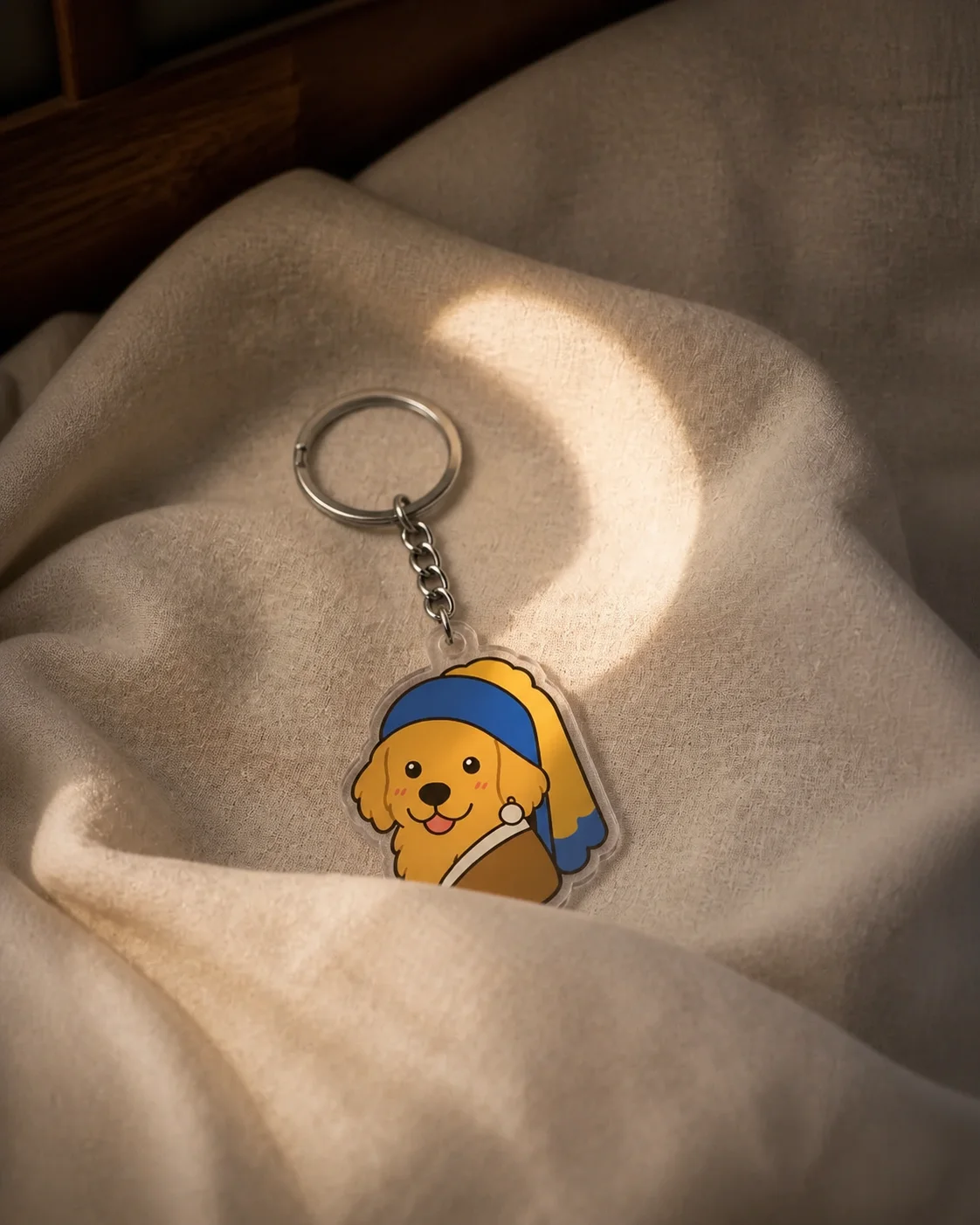
How do you turn a pet photo into a custom keychain?
Choose a clear photo where your pet is easy to recognize, note the two or three traits that matter most, and use the image as a reference for a first keychain design. Then Recraft the result for a stronger silhouette, simpler background, and readable details before choosing a size and ordering.
The best reference is not always the most polished portrait. It is the photo that answers a more personal question: what is the one feature you would never want the design to lose?
1. Choose a photo that still feels like them
Start with a photo where your pet takes up a useful amount of the frame and the face, ears, markings, and expression are visible. Natural, even light makes coat colors easier to read, while a simple angle makes the outer shape easier to understand.
Do not reject a meaningful photo only because it is imperfect. If the favorite image cuts off an ear, hides a paw, or has a busy background, add another reference that shows the missing feature and explain which image should guide the expression.
- The eyes, nose, ears, and face shape are visible
- Signature markings are not lost in shadow or glare
- The pet is not hidden behind furniture, another animal, or a person
- The expression looks like the version of them you want to remember
- A second photo is available when an important feature is cropped or obscured
2. Name the details that make your pet recognizable
A reference photo shows what your pet looks like, but a short description tells the design what deserves emphasis. Write down the traits you notice before anyone else does: one bent ear, white socks, a serious stare, a round collar tag, or the way the tail curls when they are excited.
Keep this list short. Two or three defining traits usually carry more likeness than a request to preserve every strand of fur. If the design begins to feel generic, return to the list and make one trait more obvious.
3. Start from your photo or Recraft a design
Both paths can produce a personal pet keychain. The better starting point depends on whether the likeness or the visual idea is already clear in your mind.
| Starting path | Best when | What to provide | First useful change |
|---|---|---|---|
| Create from your photo | Your pet's likeness and expression are the main idea | One clear photo, optional supporting references, and two or three defining traits | Choose a portrait style and remove background distractions |
| Recraft a starting design | You like a composition but want it to feature your own pet and story | A published template, your pet's photo, and the parts of the template you want to keep | Swap the subject first, then personalize the prop, colors, or setting |
4. Write a brief about the pet, not the software
Describe the outcome as if you were explaining the gift to an illustrator. Name the pet, the details that carry the likeness, the mood, the setting, and any short text. You do not need to prepare a vector file, cut line, or production template before seeing a first version.
- “Use my dog's photo for the likeness. Keep her floppy left ear and white chin, with a simple warm yellow background.”
- “Turn my black cat into a rounded portrait. Keep the green eyes and tiny nick in the right ear.”
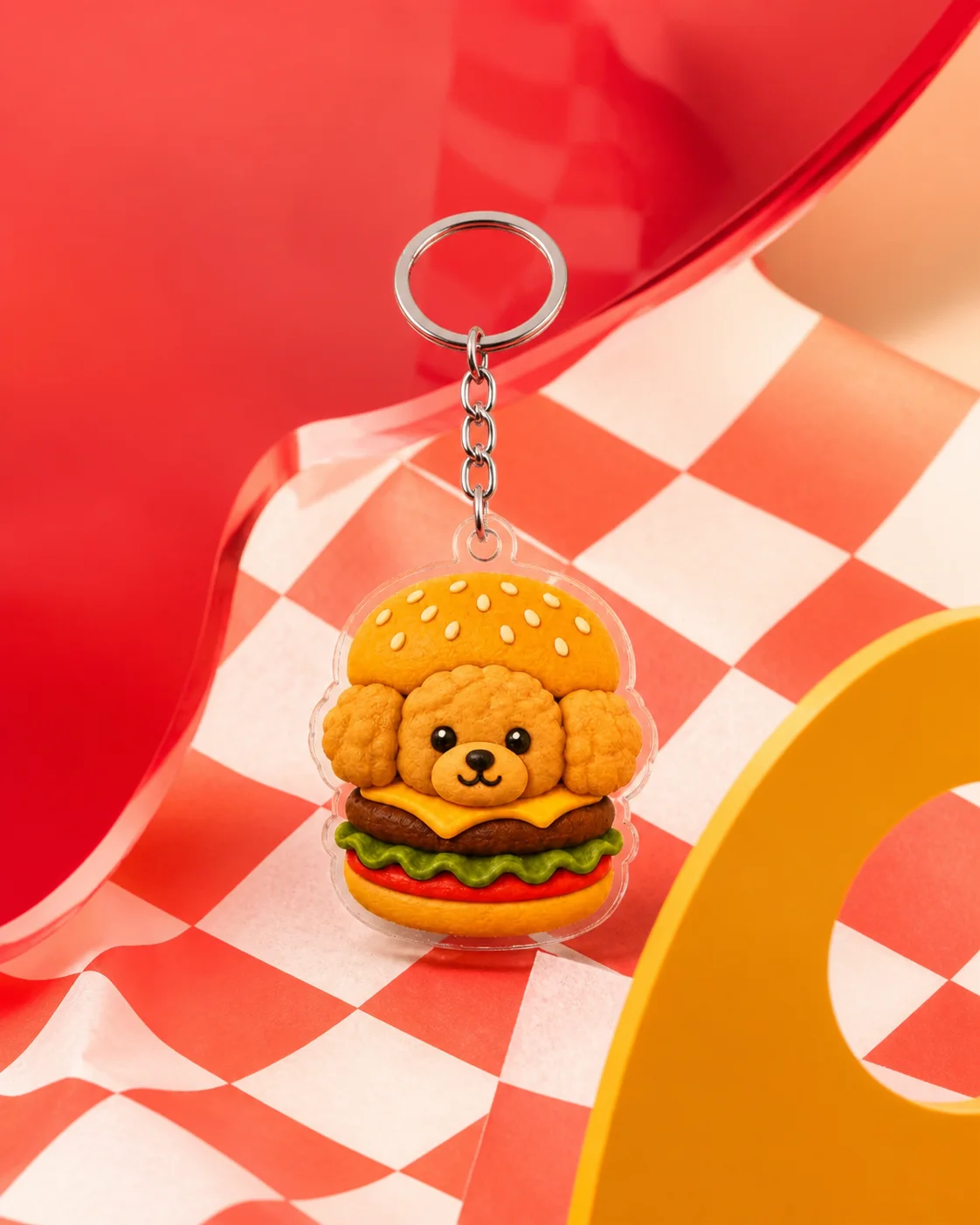
- “Recraft this burger-pet design with my corgi, replace the soda with his blue ball, and keep the playful stacked composition.”
- “Make a calm portrait of my rabbit from these photos. Use the first photo for the expression and the second for the full ears.”
5. Recraft the design for keychain scale
Likeness comes first; decoration comes second. View the design as a small object and ask whether the face, markings, and silhouette still read before adding props, scenery, or a longer name.
When something feels off, make one change at a time. Ask for a larger face, clearer marking, simpler background, or stronger contrast, then compare the new version with the one before it.
- Make the head or full-body silhouette the clearest shape
- Preserve distinctive markings even if smaller fur texture is simplified
- Use one meaningful prop instead of several decorative objects
- Keep a name or phrase short enough to read at the chosen size
- Leave breathing room near the top where the keychain hardware sits
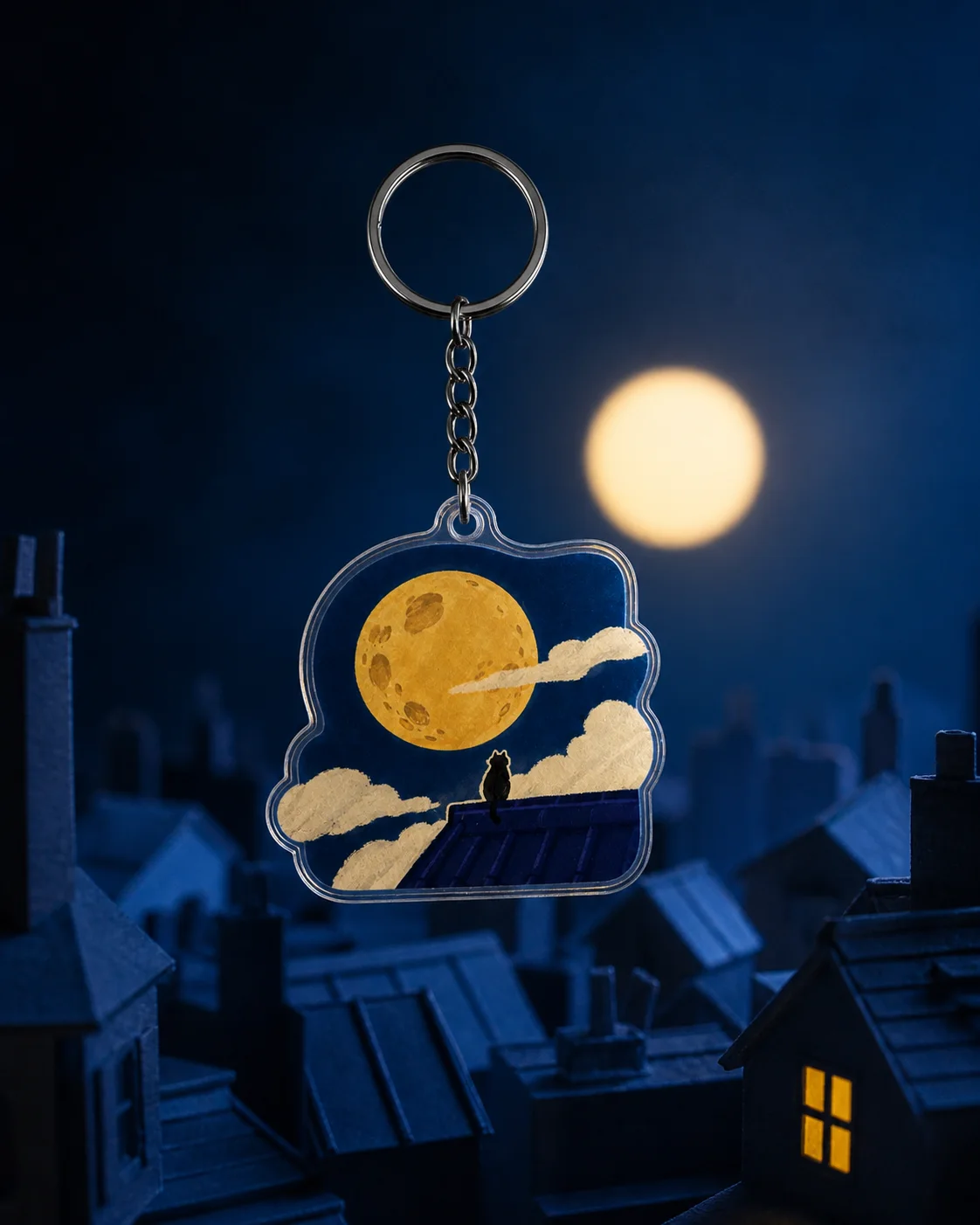
Pet designs to use as a starting point
A starting design can solve the blank-page problem without deciding the final result for you. Recraft the subject first, then change the object, setting, and mood until the design tells your pet's story rather than the template's.
Pet photo keychain checklist
- The face or body shape is recognizable at a glance
- The two or three defining traits are visible
- The expression matches the pet you know
- The background supports rather than competes with the portrait
- Any text remains readable at the selected size
- The preview shows the exact version you want before checkout
Frequently asked questions
What kind of photo works best for a custom pet keychain?
Choose a photo where the pet is easy to see and the face, ears, markings, and expression are visible. Natural, even light and a simple angle make the reference easier to interpret.
Can I make a pet keychain from a phone photo?
Yes. A phone photo can work well when the subject is clear. Add another reference if an important feature is cropped, hidden, or difficult to see in the main image.
Can I use more than one photo of my pet?
Yes. Tell Craft which photo should guide the main expression and use the others to clarify markings, ears, paws, colors, or another important detail.
Can I order only one custom pet keychain?
Yes. Craft has no minimum quantity. Checkout and shipping are currently available within the United States only.