How to Design a Custom Acrylic Keychain From an Idea or Photo
A practical, no-design-skills guide to choosing a subject, writing a useful brief, and refining the result at keychain scale.
By Craft Studio · Published Aug 11, 2026 · Updated Aug 11, 2026 · 7 min read
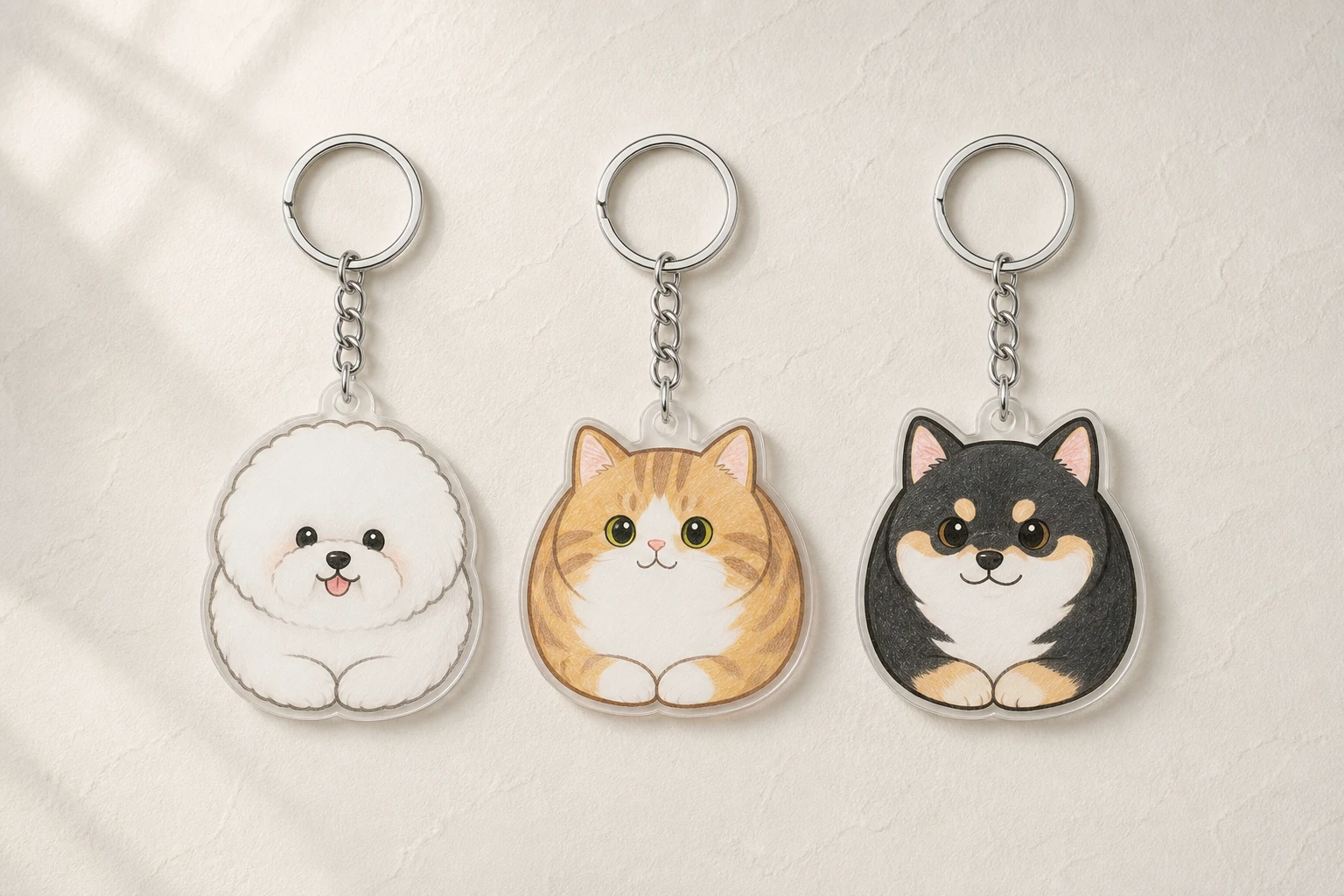
How do you design a custom acrylic keychain?
To design a custom acrylic keychain, choose one clear subject, describe the details that make it recognizable, generate a first visual, simplify anything that disappears at small scale, and preview the result before ordering. A photo can guide the likeness, but the best keychain design still needs a clear focal point.
1. Choose one subject that matters
The easiest briefs begin with a person, pet, place, object, or symbol. You can add context later, but the keychain should have one thing the eye understands first.
Instead of asking for “a travel keychain,” name the bridge, mountain, road sign, or snack that makes the trip yours. Instead of “a cat,” mention the white paws, serious expression, striped tail, or favorite collar that makes the cat recognizable.
- A pet and the two or three traits you always notice
- A place reduced to its most recognizable landmark
- A short name, date, number, or phrase
- An inside joke represented by one visual object
- A team or event symbol without a busy background
2. Choose a useful reference photo
A useful reference photo makes the subject easy to read. Pick an image where the face or object is large in the frame, lighting is even enough to see defining features, and the important edges are not hidden behind another object.
The photo does not need to look like finished keychain artwork. Its job is to answer questions: Which markings matter? What expression should stay? What color is the collar? You can describe the intended style separately.
3. Write the outcome, not production instructions
A good prompt says what the finished piece should feel like. Craft handles the first visual translation, so you can write like a person commissioning a small illustration rather than a person operating design software.
- “Turn my tabby into a soft, rounded portrait with a pale blue background.”
- “Make this road sign feel like a midnight road-trip souvenir.”
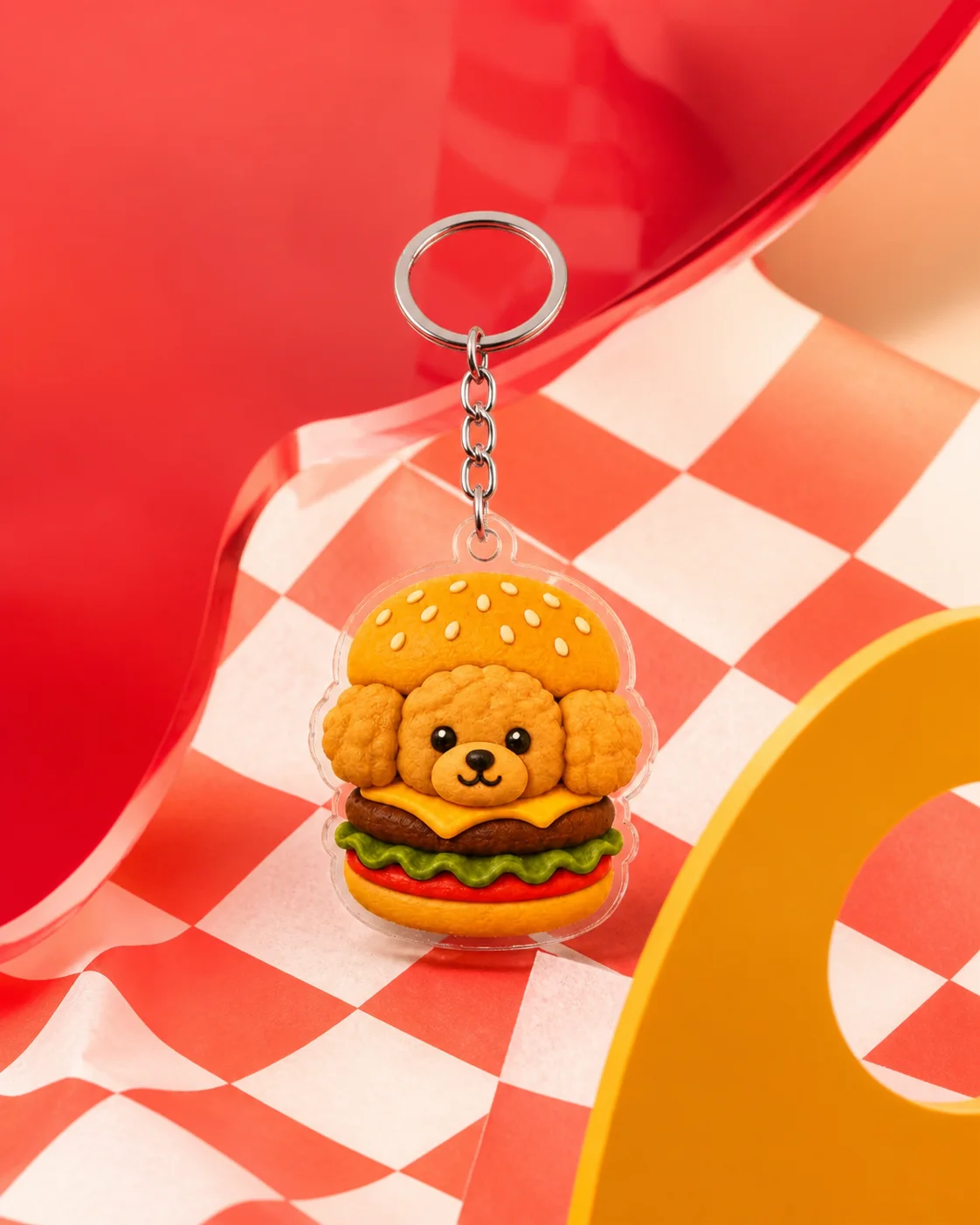
- “Keep the dog’s floppy ears, add a tiny burger, and use warm diner colors.”
- “Use the bridge silhouette and sunset colors, with HOMELAND in bold type.”
4. Recraft for clarity at keychain scale
A design can look good on a laptop and still feel crowded as a small object. Check the focal point first, then the silhouette, text, and background. If two details compete, keep the one that carries more meaning.
- Make the face or main object larger
- Shorten text and use stronger contrast
- Remove background objects that do not tell the story
- Ask for a cleaner outer shape
- Keep important details away from the hardware area near the top
Photo and portrait ideas to Recraft
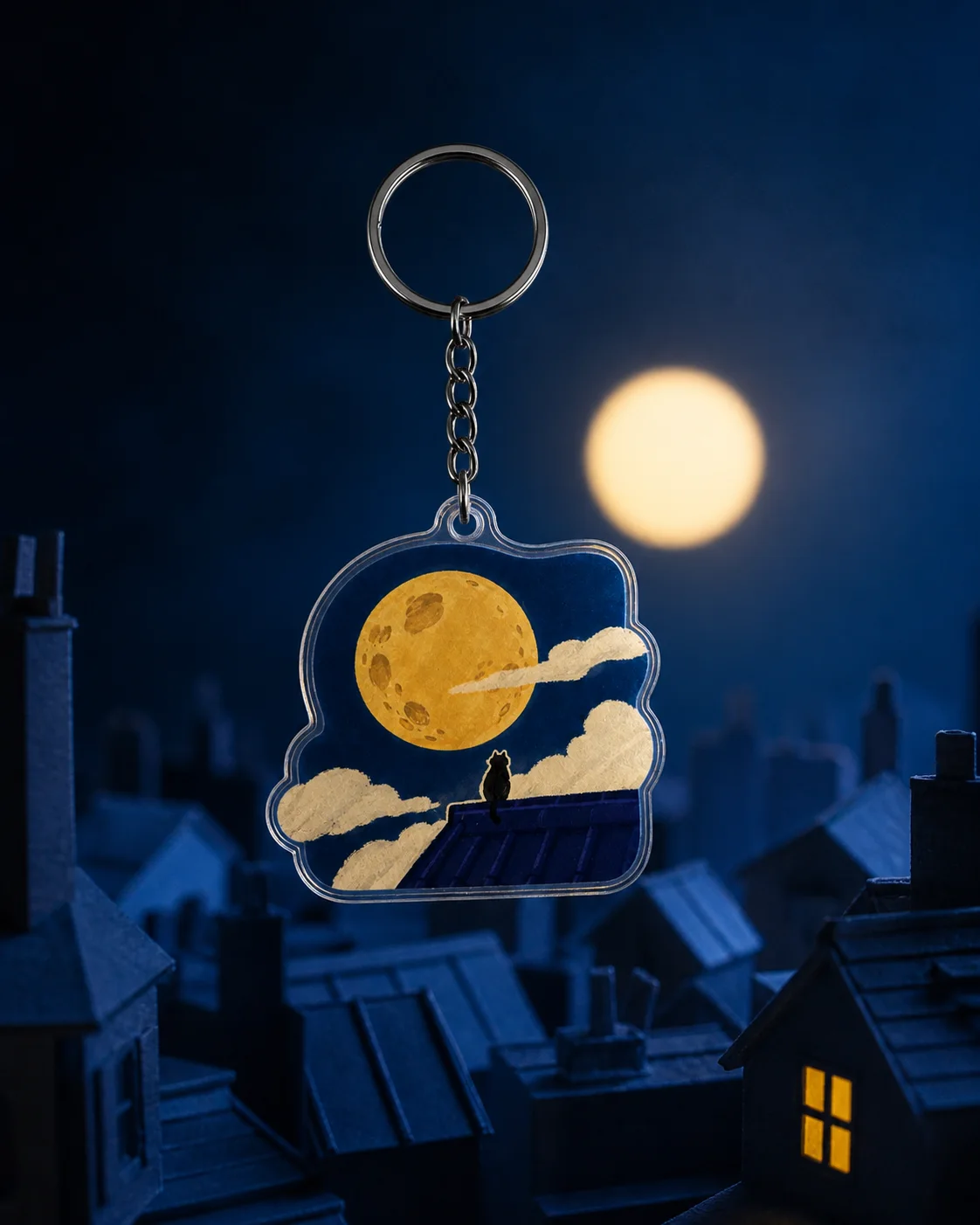
These published templates show three useful directions: a playful pet-and-object composition, a soft portrait, and a character built around one memorable prop. Open one as a starting point or use it to sharpen your own brief.
Custom keychain design checklist
- One subject is clearly dominant
- The defining traits from the reference are visible
- Text is short enough to read at the selected size
- The background supports rather than competes
- The outer shape feels intentional
- The final preview matches the version you want to order
Frequently asked questions
Can I make a custom keychain from a phone photo?
Yes. Choose a clear photo where the subject is easy to see, then describe the visual style and the traits you want the design to preserve.
What should I write in a custom keychain prompt?
Name the subject, defining details, mood, colors, and any short text. Describe the desired outcome rather than technical file instructions.
How much detail should a keychain design have?
Use enough detail to make the subject recognizable, but remove anything that competes with the focal point. Smaller sizes benefit most from simple shapes and short text.